
UXMagic AI
Creates wireframes and interfaces 10x faster using AI prompts, documents, or existing Figma files.
Are you the owner?
Claim this tool to publish updates, news and respond to users.
Sign in to claim ownership
Sign InDescription
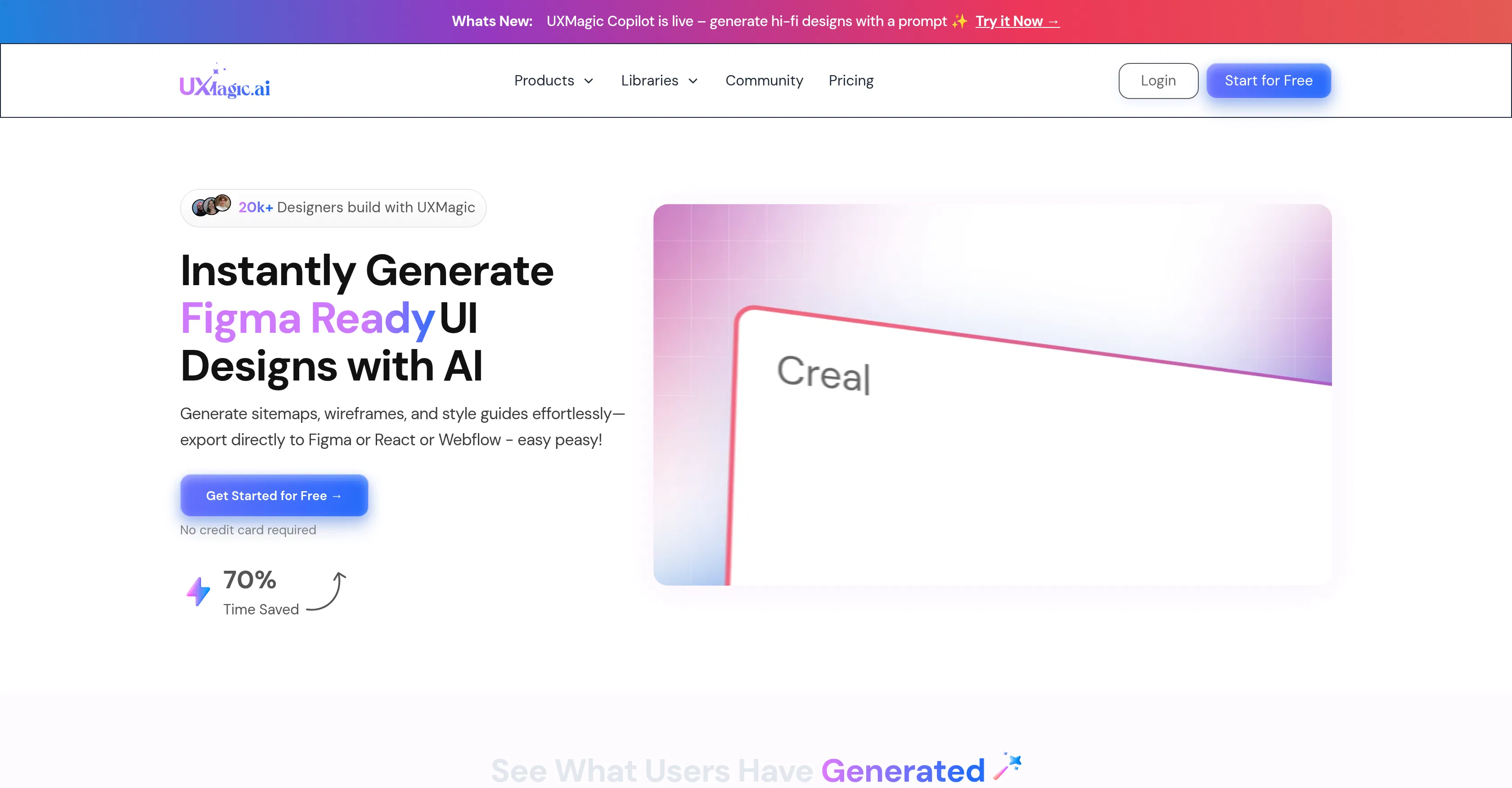
UXMagic AI is a personalized, AI-first UX/UI design tool built to accelerate the product design workflow for teams. Its core value proposition is enabling designers and product teams to generate and iterate on design concepts at unprecedented speed, dramatically reducing the time from idea to visual prototype. By leveraging artificial intelligence, it transforms various inputs into structured design outputs, making the initial stages of design exploration far more efficient and less labor-intensive.
Key features include the ability to generate complete wireframes and high-fidelity interfaces directly from text prompts, uploaded documents, hand-drawn sketches, or pre-existing Figma files. The tool allows for optimization and refinement of product designs within any established design system. Users can also train the AI on their own unique design style or component library, ensuring brand consistency. Furthermore, it facilitates rapid prototyping and design iteration, enabling teams to explore multiple visual directions quickly based on simple descriptive inputs.
What sets UXMagic AI apart is its focus on being a personalized AI co-pilot that adapts to a team's specific design language, rather than offering generic templates. Technically, it processes natural language and visual inputs to produce design-ready Figma components and layouts. It is primarily a web-based platform with deep integration into Figma, allowing for a seamless import/export workflow. This integration means designers can start in UXMagic for rapid ideation and then move into Figma for detailed refinement and collaboration without friction.
Ideal for UX/UI designers, product managers, and startup founders who need to validate design concepts rapidly or produce high-quality mockups under tight deadlines. Specific use cases include quickly turning product requirement documents (PRDs) into visual wireframes, generating multiple design variants for A/B testing, extending an existing design system to new pages, and accelerating the design handoff process by creating structured, system-compliant assets from simple sketches or notes.